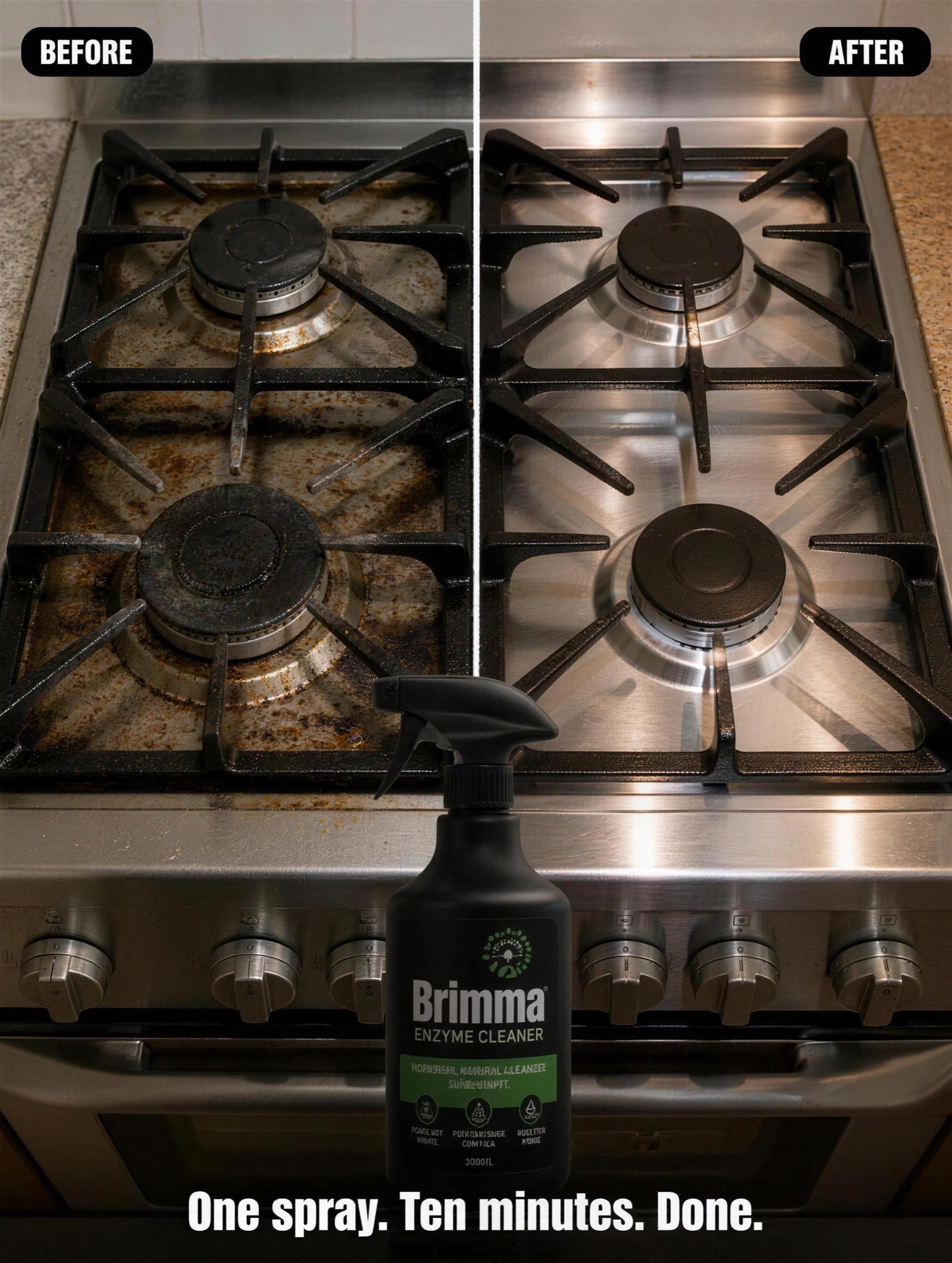
Same angle, same light, one seam — the transformation makes the argument so the copy doesn't have to.
Vertical 4:5 static split exactly down the middle by a thin clean white vertical seam. Both halves show the identical camera angle, framing and distance on [BEFORE SCENE — e.g. "a stainless gas stovetop caked in burnt grease and dull rings"], so the only variable is the result. Left half: the before, lit flat and slightly cool, honest and unglamorous. Right half: the exact same surface spotless and gleaming, lit a touch warmer with subtle water-sheen highlights. Top corners carry small rounded pill labels in white text on black: "BEFORE" on the left, "AFTER" on the right. Bottom center, overlapping both halves: a cutout of [PRODUCT — e.g. "Brimma, an enzyme cleaner in a matte spray bottle"] with a soft grounded shadow, and beneath it one line in bold condensed sans: "One spray. Ten minutes. Done." Photographic style: 50mm look, deep f/8 focus, crisp product-demo realism — no HDR glow, no fake sparkle effects. The seam must be perfectly straight and both halves must read as the same real location. All rendered text crisp and correctly spelled, no watermark, no logos other than the product label.