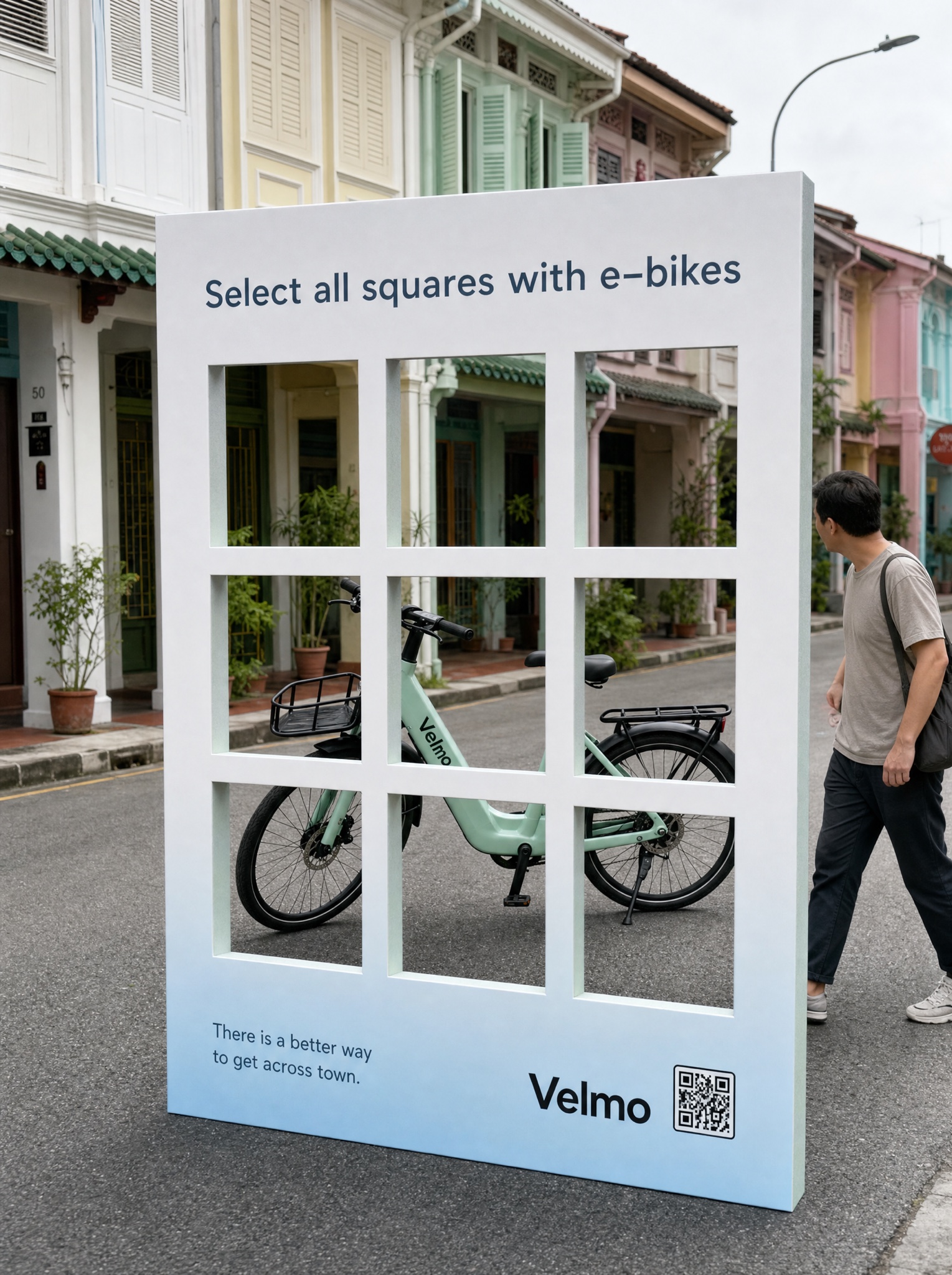
'Select all squares containing your product' — a verification grid where every single square qualifies.
Vertical 4:5 photograph of a real-world installation: a giant free-standing human-verification board, roughly three meters tall, planted on a quiet street of pastel heritage shophouses under soft overcast light. The board is printed white fading to pale blue toward its base, with a three-by-three grid cut clean through it as nine transparent windows with thick white gutters. Parked directly behind so it appears through several windows at once: [PRODUCT — e.g. "a mint-green commuter e-bike on its kickstand"], perfectly framed like a living verification puzzle. Across the top of the board in calm blue-grey sans, exactly: "Select all squares with [CATEGORY — e.g. "e-bikes"]". Bottom-left of the board, two small printed lines, exactly: "There is a better way" and "to get across town." Bottom-right: a small dark wordmark "[BRAND — e.g. Velmo]" beside a small printed QR square. Photograph slightly off-axis so the board's physical thickness and its shadow on the asphalt read clearly; one passerby glancing over provides scale. Crisp large-format print on the board, natural street texture everywhere else, colors quiet and believable. All text exactly spelled. No real verification services or tech logos, no dialog-box UI, no phone frame, no watermark.