The back of the cereal box: a maze, a word search, a cut-out mask — and your product callouts hiding inside the fun.
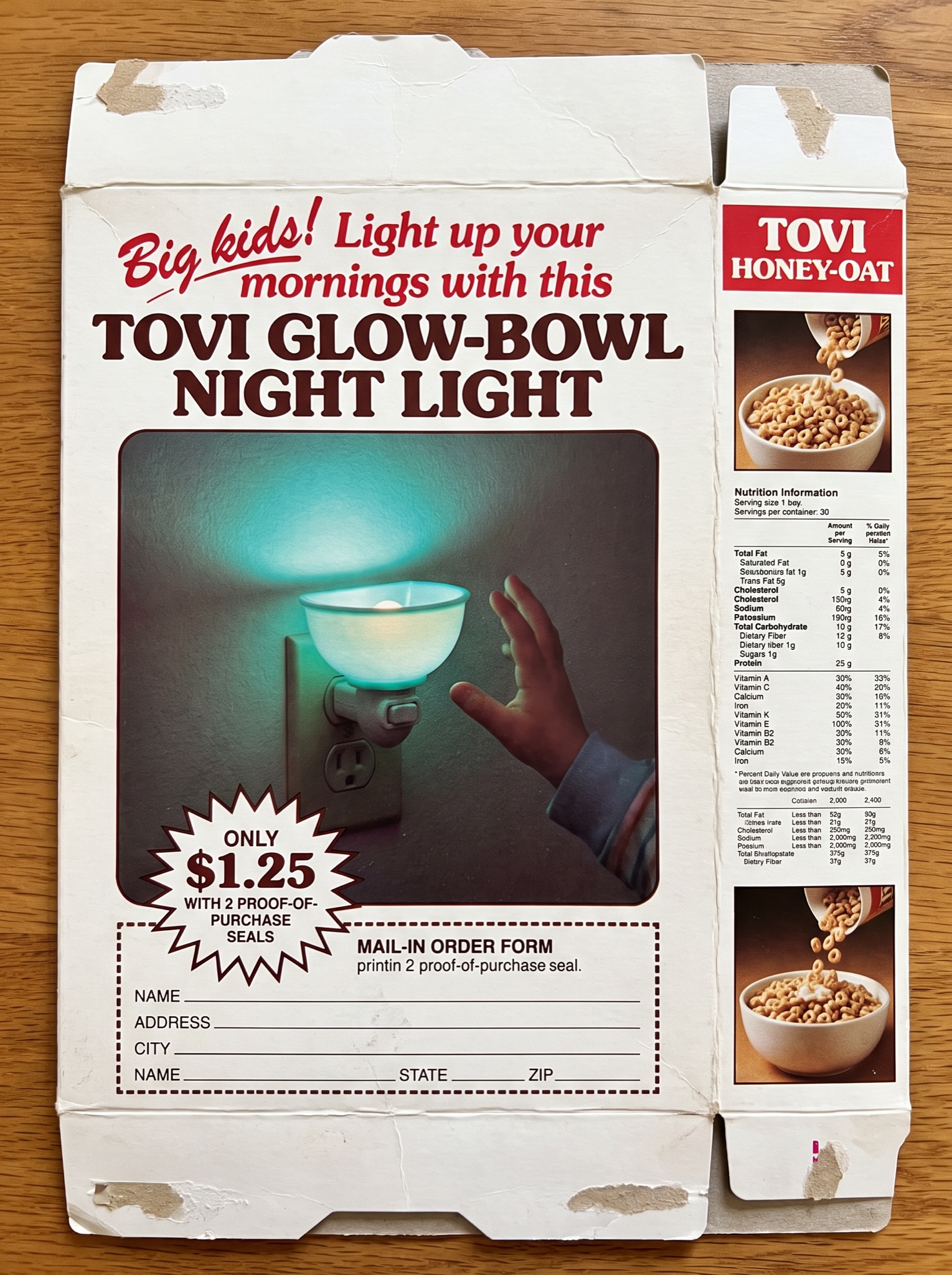
Vertical 4:5 photograph of a vintage cereal box flattened out and shot straight on: matte cardboard, fine CMYK rosette grain, crushed flap tabs visible top and bottom, one soft crease, early-1980s offset printing with the red plate a hair out of register. Main back panel: a cherry-red swash script headline, exactly "Big kids! Light up your mornings with this" above chunky serif caps "[BRAND — e.g. TOVI] GLOW-BOWL NIGHT LIGHT". Below, a large square photo panel in slightly oversaturated period color: the little bowl-shaped night light plugged into a wall socket, glowing a teal halo in a darkened room, a child's hand reaching toward it. Beneath the photo, a starburst reading "ONLY $1.25 WITH 2 PROOF-OF-PURCHASE SEALS", then a dotted-border mail-in order form with ruled lines labeled "NAME", "ADDRESS", "CITY", "STATE", "ZIP". Narrow right side panel: a red header band reading "[BRAND] HONEY-OAT" above a tall column of tiny nutrition-style print rendered soft and unreadable, plus a small inset photo of [PRODUCT — e.g. "honey-oat cereal pouring into a bowl"]. All display text crisp and exactly spelled. No real cereal brands or mascots, no cartoon bird characters, no barcode, no watermark.