A broadcast still where the closed-caption bar carries your pitch mid-sentence — the anchor never saw it coming.
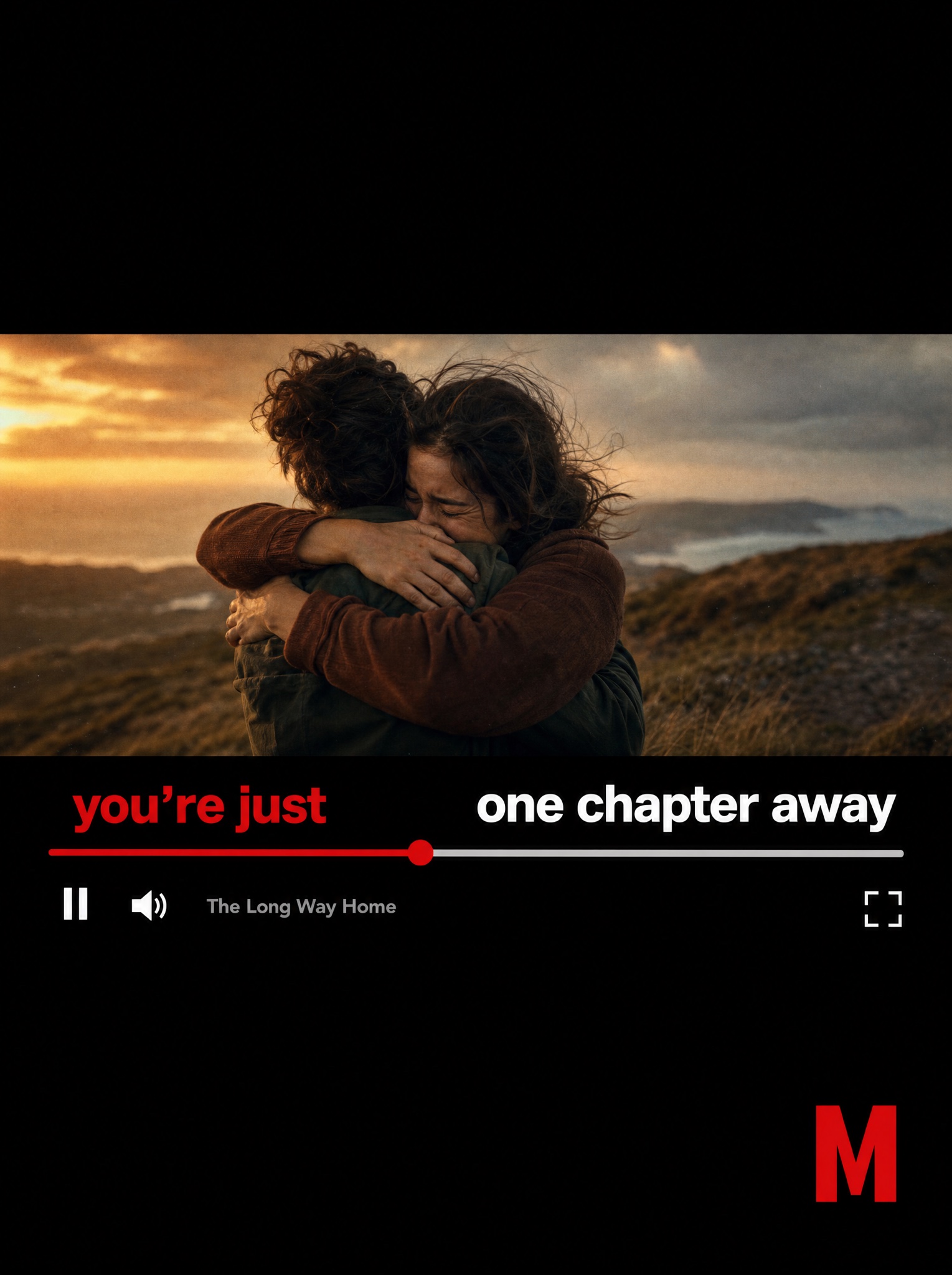
Vertical 4:5 static ad recreating the paused-streaming-player poster technique. The frame is mostly black; a cinematic 16:9 film still sits letterboxed across the middle like a paused movie. The still: an emotional, warmly graded scene of [SCENE — e.g. "two friends hugging fiercely on a windswept hillside at dusk"], shallow depth of field, gentle film grain, no celebrity likenesses. Overlaid on the still, native player chrome: a thin progress bar about one third played — the played segment bright red ending in a round scrubber dot, the remainder pale grey. The headline is split by the scrubber: above the red played segment, in bold red sans-serif, [HEADLINE PART ONE — e.g. "you're just"]; above the grey remaining segment, same weight but white, [HEADLINE PART TWO — e.g. "one chapter away"]. Below the bar sit small flat white player icons — pause, volume, fullscreen — beside a small grey caption label [TITLE — e.g. "The Long Way Home"]. Bottom right corner of the black field, a single-letter fictional service mark [MARK — e.g. "a red letter M"]. The conceit must read instantly: the story is paused and the viewer finishes it. No real streaming logos, no celebrity faces, no watermark, no extra UI clutter, all text crisp and correctly spelled.